
Download and install csbola
Installation walk-through
- Step 1: Download the csbola APK from the link above (Android) or open csbola.app in Safari (iOS).
- Step 2: On Android, tap "Install" and allow installation from unknown sources in your device settings; on iOS, tap the share icon and select "Add to Home Screen."
- Step 3: Launch csbola, create your account with email, username, password, and mobile number, then verify via the link sent to your inbox.
- Step 4: Upload your identity document (passport or national ID), proof of address (utility bill or bank statement), and a live selfie for KYC verification, which we complete within two to four business hours.
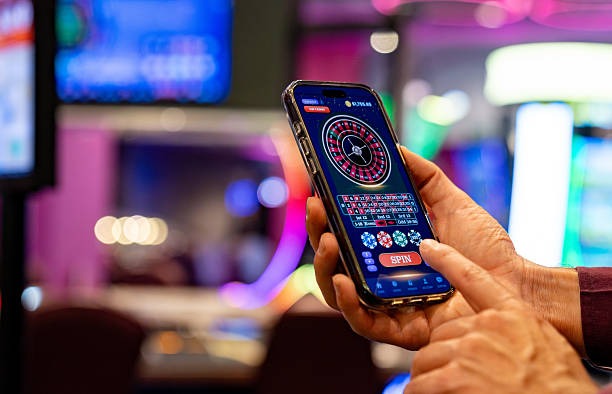
App versus browser on csbola
Our Android APK installs as a standalone app with an icon on your home screen, faster load times, and offline access to account history. Push notifications alert you to live-event starts, odds updates, and settlement status. The iOS browser version (accessed via Safari) saves a shortcut to your home screen that behaves like an app but uses the Safari engine. Both paths sync your account instantly: deposit on one device, withdraw on another, and your balance updates across all phones linked to your csbola login. The app uses roughly 50MB of storage and the browser shortcut uses none, so low-storage devices can use the iOS web path instead.
Device compatibility
csbola supports Android 7.0 and later on phones from Samsung, Xiaomi, Oppo, Vivo, Realme, and other manufacturers common in Jakarta, Surabaya, Bandung, and Medan. On iOS, we support Safari on iPhone 5S and later (iOS 12 and up). All devices need an active internet connection for betting, though offline caching preserves your account summary and recent bets. If your device is older than Android 7.0, use the web version at csbola.app instead of the APK.
Common install issues and solutions
If Android shows "Unknown sources" warning, open Settings, go to Apps and Permissions, tap Unknown Sources, and enable installation. If iOS Safari does not allow you to save a shortcut, ensure you have enough home-screen space and that you are using Safari, not Chrome or another browser. If csbola crashes on launch, restart your phone and clear your browser cache. If the APK download hangs, check your mobile data or Wi-Fi speed (csbola APK is under 20MB) and retry. All data is encrypted in transit using TLS 1.3, so your login credentials and payment details are never exposed on public Wi-Fi.
Data, permissions, and account security on csbola
When you install csbola, we request permissions for microphone (for live-dealer video chat), camera (for KYC selfie upload), and location (to confirm you are in a supported jurisdiction). We never sell or share your data with third parties outside csbola's payment processors and KYC verifiers. Your password is hashed with bcrypt and your DANA, e-wallet, mobile banking, local payment, online payment, e-wallet, mobile banking, local payment, online payment, and e-wallet account numbers are stored in encrypted fields accessible only to our payment team. Withdrawal requests are reviewed within three business days, and you can reset your password at any time via the login page email-verification flow.